October 04, 2026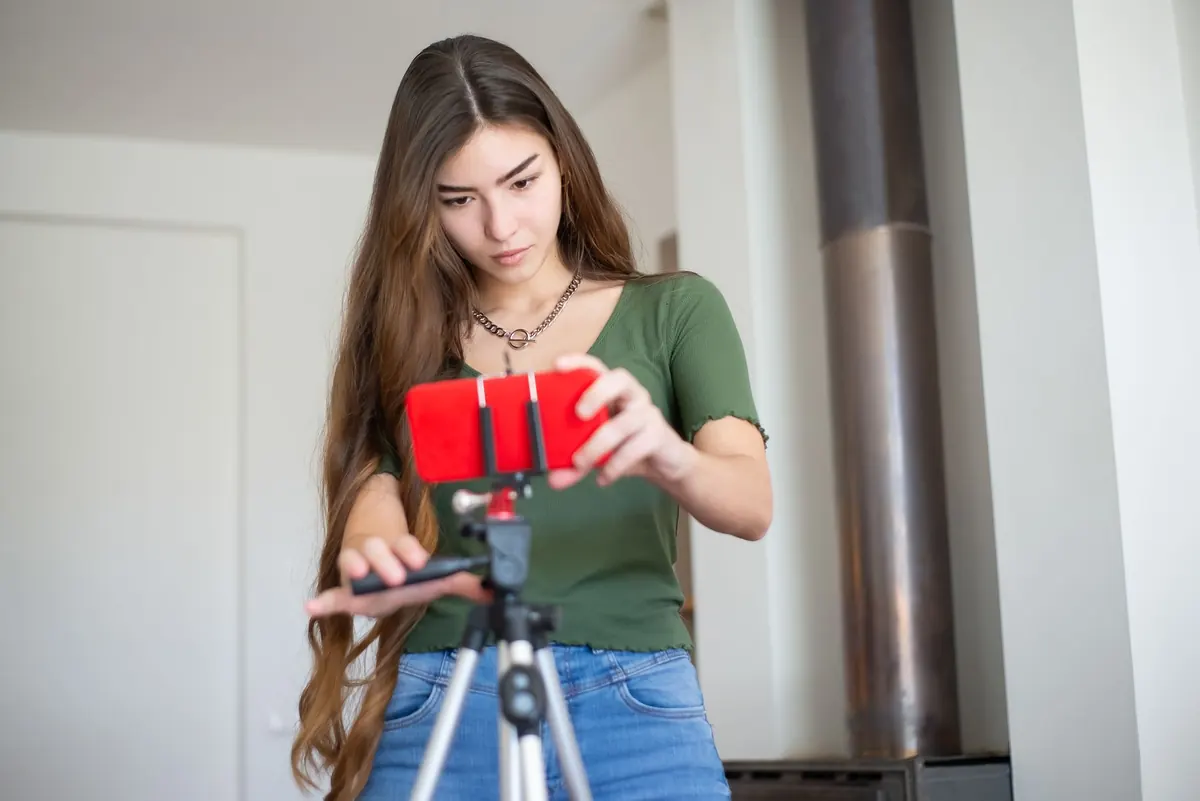
Point a phone at the Moon and press the shutter, and you usually get a bright white disc on a black background — sometimes with a strange halo, sometimes with nothing but stars that turned out to be sensor noise. The Moon is tiny in the frame, intensely bright against a dark sky, and drifting faster than you expect. Each of those problems has a workaround, and none of them require new hardware. What follows is the routine that carries a phone camera from "glowing blob" to a photo where the craters along the terminator are genuinely visible.
Start With Realistic Expectations
A phone's main camera has a wide field of view, roughly what your eye takes in when you look at a whole street. The Moon occupies about half a degree of sky, so on that camera it lands as a small, hard dot. Digital zoom does not add detail; it crops and enlarges whatever the sensor already captured, which is why a 30x "zoom" often looks like a watercolour.
If your phone has a dedicated telephoto lens — the 3x or 5x option in the camera app — use it. That optical reach is worth more than any amount of software magnification. On a phone without one, accept a smaller Moon in a wider frame, or plan for a picture where the Moon is one element of a landscape rather than the whole subject. Either can be excellent. What you cannot reasonably expect from a handheld phone is the cratered, filling-the-frame disc produced by a telescope and hundreds of stacked exposures.
Pick the Night and the Hour
Chase the terminator, not the full Moon
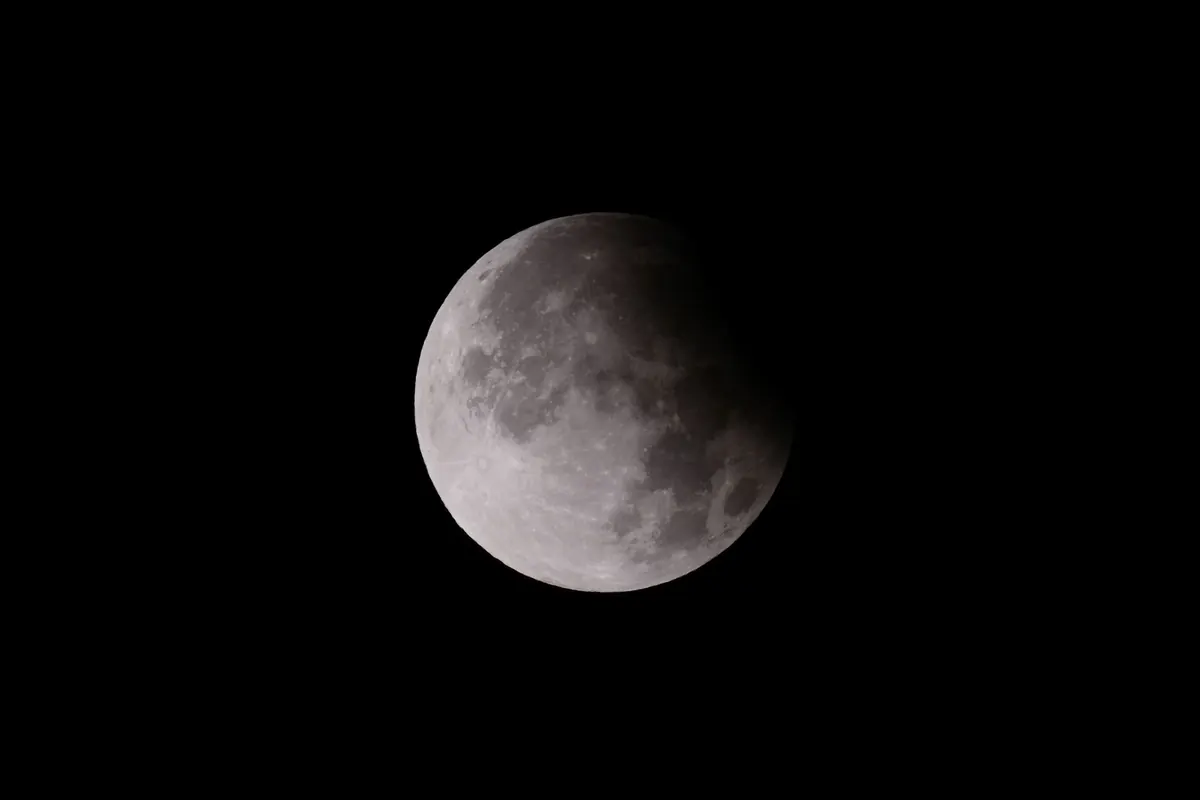
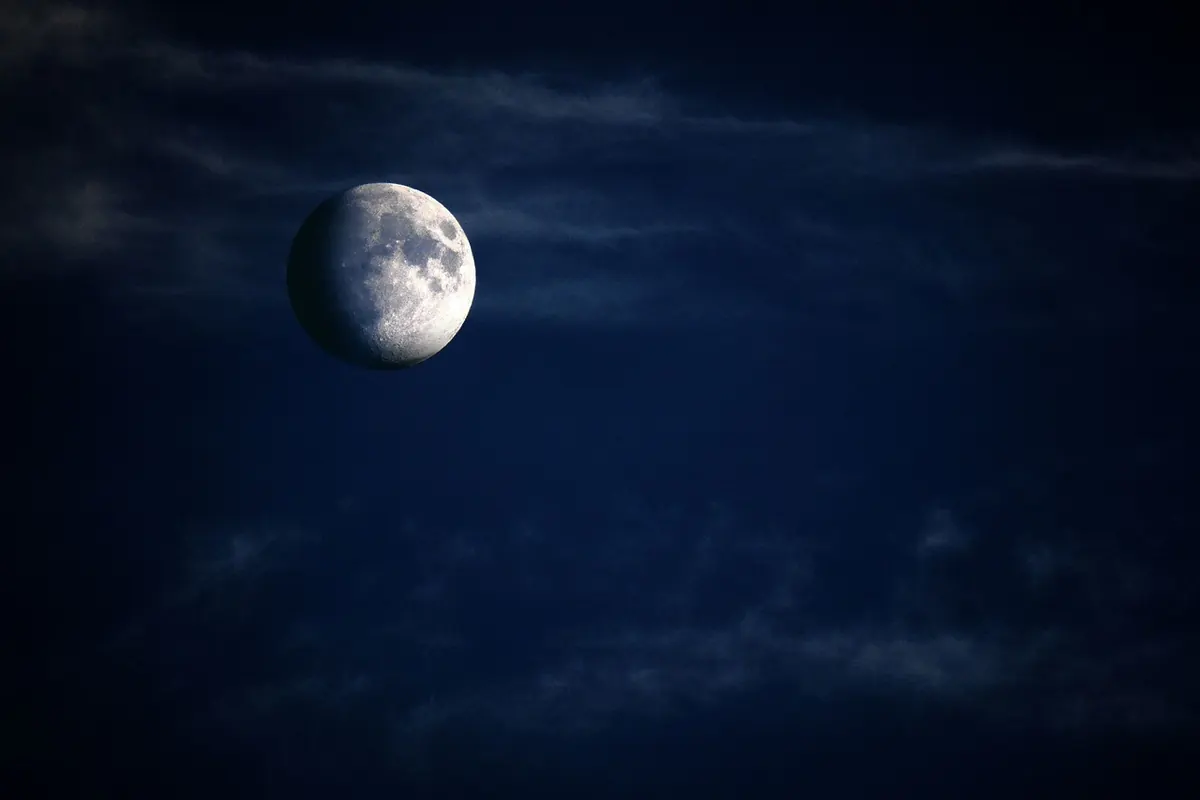
A full Moon is lit from directly in front of it, so the surface looks flat and the contrast is punishing: expose for the bright plains and the darker maria go black. A few days before or after full, the line between light and shadow — the terminator — throws long shadows across craters and mountain ranges. That shadow detail is what makes a lunar photo look three-dimensional. First quarter is the friendliest phase for beginners: bright enough to expose easily, textured enough to be interesting, and visible in the early evening.
Shoot when it is high
Near the horizon, you are looking through a lot of moving atmosphere, and the Moon softens, shimmers and sometimes takes on colour. Wait until it is well up in the sky if sharpness matters. For a landscape with the Moon in it, the opposite applies: the hour around sunset or sunrise gives you a sky bright enough to hold detail in both the Moon and the ground, so you are not forced to choose between a white disc and a black foreground.
Check the moonrise time, the phase and the cloud forecast before you go out. Clear, still, dry air is best; haze and thin cloud dim the Moon and scatter light. Cold nights are frequently steadier than warm, hazy ones.
Steady Support Beats Expensive Gear
At high magnification, a tiny hand tremor becomes visible blur. A tripod and a cheap phone clamp solve most of it. If you do not have a tripod, brace the phone against a wall, a railing, a car roof or a windowsill — anything solid — and use the three-second timer so the act of pressing the shutter does not shake the frame. A pair of wired earbuds with a volume button makes a usable remote release on many phones.
Two habits matter as much as the tripod. First, wipe the lens with a clean microfibre cloth; a fingerprint produces flare and a hazy veil that no amount of editing removes. Second, do not shoot through window glass. Even clean glass adds double reflections and softens the image noticeably.
Settings, One by One
Open your phone's native camera app and look for Pro, Manual or Expert mode. If your phone does not offer one, skip to the focus section — the same technique applies, you just have less control.
- Switch off flash and night mode. Night mode is built for dim scenes and will overexpose the Moon into a smeared blob. Turn off auto-HDR for the moment too, or at least review the result critically.
- Select the telephoto lens if you have one. Stay at its native magnification, or at most a small step beyond it. Avoid pinching all the way in.
- Set ISO low. ISO 50 to 100 keeps noise down; the Moon is bright enough to allow it.
- Set the shutter speed. Around 1/125 to 1/500 second is a reasonable starting range for a bright, near-full Moon. A thin crescent needs more light, so drop to 1/60 or slower and let the preview guide you.
- Set white balance to daylight. Auto white balance sometimes drifts towards blue or orange on a mostly black frame.
- Shoot at the highest resolution available, and in RAW if your phone supports it. Extra data gives you room to crop and to pull detail out of the shadows later.
- Enable the timer and set it to three or ten seconds.
Focus and Exposure Tricks
Lock focus at maximum zoom
Autofocus struggles with a small, brilliant object surrounded by black; it will hunt, give up, and settle on infinity or on nothing in particular. The workaround is simple. Pinch to maximum zoom so the Moon fills the screen, tap it once to focus, then press and hold on it until the app confirms focus and exposure are locked. Zoom back out to your working magnification without lifting your finger from the lock. The focus distance stays where you set it.
If your app has a manual focus slider, drag it to infinity and then nudge it back a fraction — many lenses focus slightly past infinity, and the sharpest point sits just short of the end of the scale.
Expose for the surface, not for the sky
After locking, drag the exposure slider down until the bright plains of the Moon stop clipping. Look for the edge of the disc: if it looks like a hard white ring with no gradation, you are still too bright. On manual settings, adjust shutter speed rather than ISO first. Then take one test frame, open it in playback, and zoom in to check that the terminator is crisp. Judge it on the photo, not on the live preview — a phone screen at night is far brighter than most viewers' displays will be.
Mistakes That Spoil Otherwise Good Frames
- A smeared lens, which adds flare and kills contrast.
- Night mode quietly re-enabling itself between shots.
- Handholding at long zoom and hoping for the best.
- Relying on digital zoom instead of a telephoto lens or a tighter crop later.
- Exposing for a dark landscape and letting the Moon blow out completely.
- Taking a hundred frames without ever checking one at full size.
If the air is unsteady, shoot a burst of ten or twenty frames and keep the sharpest. Where you want more detail, free stacking software can align and average a sequence of frames, which reduces noise and steadies the result — but a single clean exposure taken with care is a fine place to stop.
A Simple Practice Routine
Choose an evening a few days before first quarter, when the Moon is high and the sky is clear. Set up on a tripod, switch to manual, choose ISO 100 and 1/250 second, and use the zoom-focus-lock method to fix the focus. Take ten frames with the timer, then review one at full size. If the disc is too bright, halve the shutter time; if it is too dark, double it. Two or three adjustments usually get you there.
Once the disc is sharp, loosen the framing and try the same settings in twilight, with a roofline or a tree in the foreground. Take two exposures — one for the sky, one for the ground — if the contrast demands it. Keep a few notes on what worked: phase, time, settings, and whether the air was steady. After two or three sessions the routine becomes automatic, and the Moon stops being a bright surprise at the top of the frame and starts being a subject you can photograph on purpose.
Photo: Kampus Production / Pexels